The thumbnail disappeared.
You were still writing your feedback. Now the shot you need is somewhere in Finder.
 Flowsill ShotComing soon
 A little shelf. A smoother day.
Flowsill Shot is a screenshot shelf for Mac.
Keep recent screenshots in the corner of your desktop.
Click to browse. Drag one into your work. Keep going.
Free for your latest 5 shots · One-time Full History unlock · macOS 13+
SOUND FAMILIAR?
You were still writing your feedback. Now the shot you need is somewhere in Finder.
Three reference shots. Three almost identical filenames. Another detour to find the right one.
Switch windows, open a folder, find the file. All to finish the thought you were already having.
STAY WITH THE THOUGHT
No new screenshot habit.
Just a better place for what comes next.

Your latest screenshot stays within reach in a small desktop thumbnail. Come back to it when you’re ready, then drag it straight into a supported app.
Move it to your favorite corner with ⌘-drag.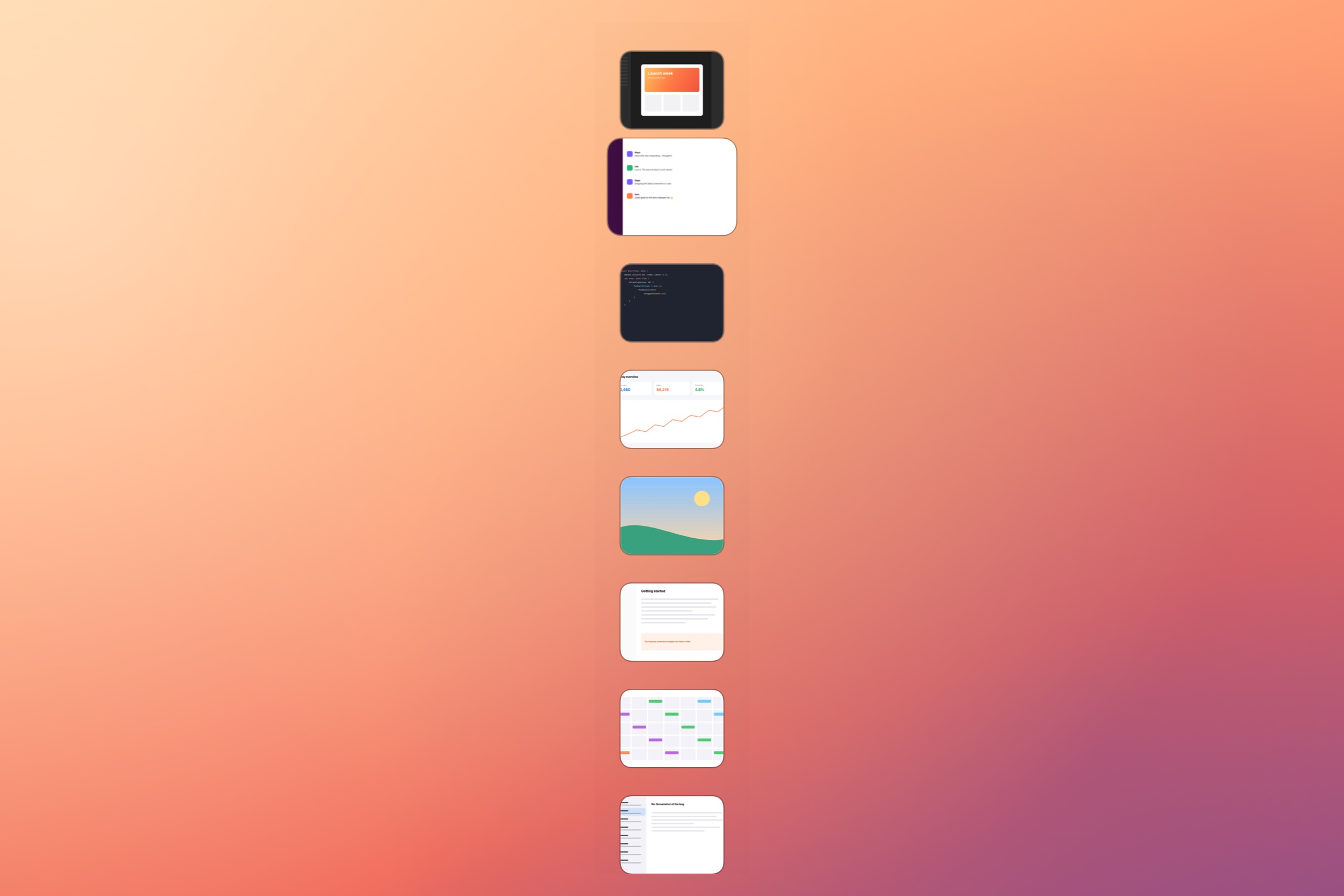
Click the thumbnail to open your recent screenshots. Click a shot to preview it, or press Space for Quick Look. Grab the one you meant to send.
Your latest 5 shots are free to browse and preview.
Drop your shot into a conversation, email, or document that accepts image files. Or copy it from the shelf. No folder search in the middle.
New screenshots appear automatically.Use your system shortcut.
Find the right shot by sight.
Keep your next move close.
Allow access to your screenshot folder once. Screenshots must be saved there to appear. You can turn off macOS’s floating screenshot thumbnail in Screenshot Options; Flowsill Shot will show saved screenshots directly in its desktop shelf.
Reads the folder you choose. Doesn’t move, rename, delete, or upload your screenshots.
Quick Look, keyboard controls, and a shelf you can reposition. Built around your existing routine.
Screenshot content stays local. Anonymous usage analytics are enabled by default and can be turned off in Settings.
SMALL TOOL. EVERYDAY DIFFERENCE.
Try the everyday workflow for free.
Unlock when you want to reach further back.
$0
Your latest five, ready when you are.
A useful free version. No subscription.
$9.99 once
More history. The same little corner.
Planned US price · One-time App Store purchase
Final price and availability will be shown in the App Store. Visible shots adjust to your screen space.
Full History shows files still in your selected folder; it isn’t a backup service.
A FEW GOOD QUESTIONS
Flowsill Shot is a screenshot shelf for Mac running macOS 13 or later. It keeps recent screenshots from your selected folder within reach on the desktop so you can browse, preview, copy, and drag them into apps that accept image files. It does not replace the macOS screenshot tool.
No. Keep using your system screenshot shortcuts. Allow access to your screenshot folder during setup. Shots saved only to the clipboard won’t appear in the shelf.
Browse your five most recent screenshots, expand the shelf, preview, drag, and copy. New screenshots appear automatically. Full History removes the five-shot limit.
No. The expanded shelf shows up to 10 screenshots at once, with fewer when screen space is limited. With Full History, scroll to browse more.
Flowsill Shot reads the folder you authorize. It doesn’t move, rename, delete, or upload screenshot files. Anonymous usage analytics are enabled by default and can be disabled in Settings.
There’s no in-app delete action in the current version. Choose Show in Finder to locate a file and delete it there. The shelf updates to reflect folder changes.
At launch, Full History will be a one-time, non-consumable in-app purchase through the Mac App Store. No subscription. Restore Purchase will let you restore eligible purchases.
macOS 13 Ventura or later.
YOUR NEXT SCREENSHOT HAS A PLACE
A little less searching. A little more flow.
Not available to download yet.
5 recent screenshots free · One-time Full History unlock · macOS 13+